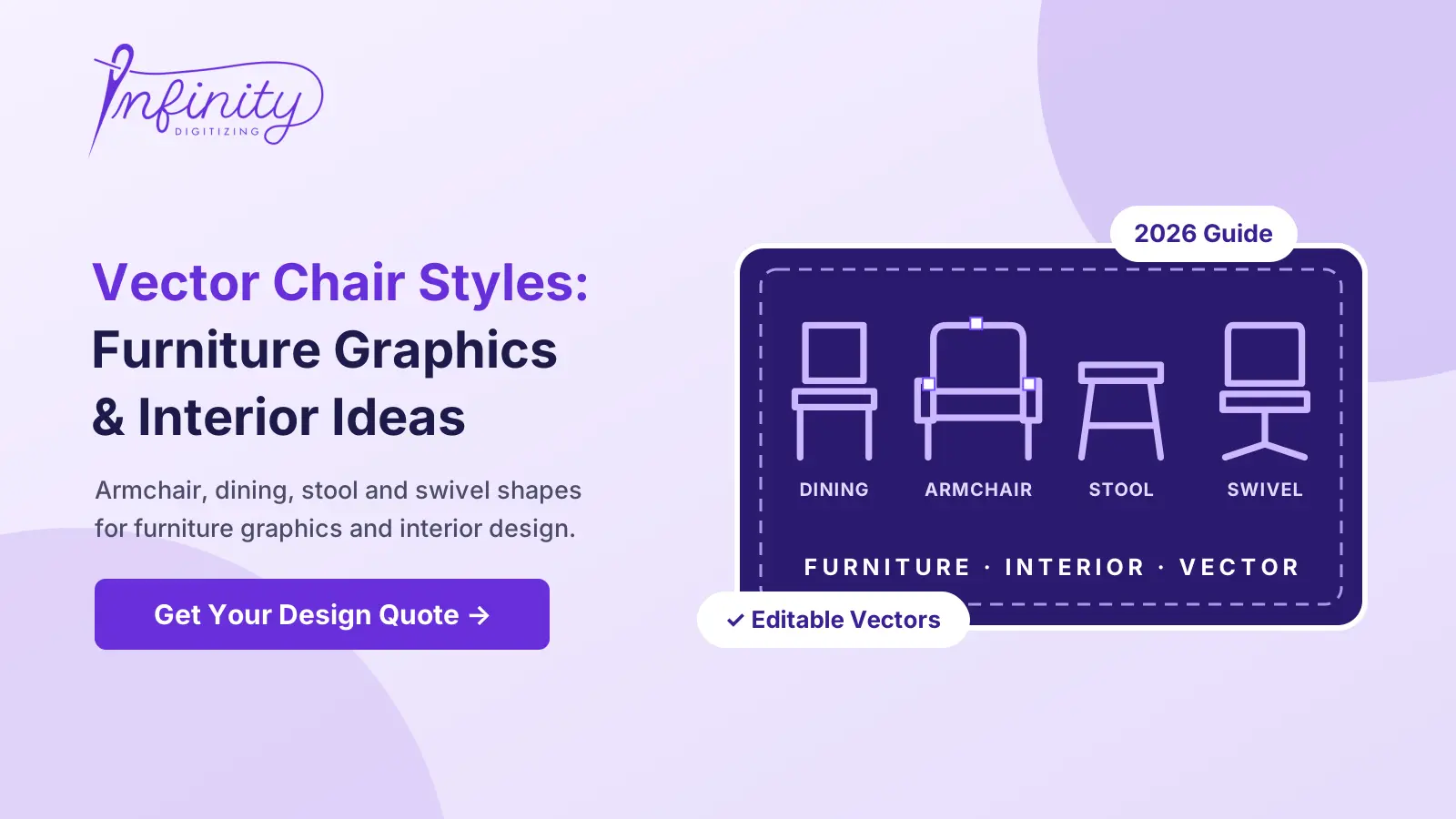
A chair vector illustration is a drawing of a chair built from paths and shapes instead of pixels.
Quick answer: Chair vector illustrations come in six main styles: flat, line art, hand-drawn continuous line, isometric, silhouette and semi-realistic gradient. Choose flat or semi-realistic for catalogs and online shops, isometric or top view for room layouts, and line art or silhouette for logos, signage and minimal branding. Infinity Digitizing's free chair vector illustration comes in AI, PDF, EPS, SVG and PNG at 300 dpi, with a commercial license listed on the download page.
Key takeaways
- Style follows purpose. The same chair can look right in a catalog and wrong on a floor plan.
- Six illustration styles cover almost every furniture graphic: flat, line art, continuous line, isometric, silhouette and semi-realistic.
- Chair type changes difficulty. A four-legged dining chair is simple, while an office chair base or a spindle-back needs deliberate simplifying.
- Keep one view and one style per project so a set of chairs looks like one collection.
- Use SVG for web, PNG for slides, and AI, EPS or PDF for print.
What is a chair vector illustration?
A chair vector illustration is a drawing of a chair built from paths and shapes instead of pixels. Because the shapes are calculated, you can enlarge the chair for a poster, shrink it for a website icon, change the upholstery color in seconds and edit individual parts, such as the seat, back or legs, in Illustrator, Figma, Inkscape or Sketch.
That flexibility is why designers use vector chairs in furniture catalogs, interior design presentations, e-commerce graphics, brochures, websites and branding. Our Chairs Vector Design is described as a clean, detailed illustration of a chair for exactly these uses.
Six chair illustration styles and when to use them
| Style | What it looks like | Best for | Watch out for |
|---|---|---|---|
| Flat | Solid color shapes, little or no shading | Websites, apps, catalogs, social posts | Can look generic without good proportions |
| Line art | Clean outlines of one stroke weight | Logos, stationery, packaging, minimal brands | Thin strokes may vanish at small print sizes |
| Continuous line / hand-drawn | One flowing line or a sketchy, hand-made look | Editorial pieces, cafe menus, boutique studios | Wobble must look intentional, not messy |
| Isometric | 30-degree angles showing top and two sides | Room mockups, infographics, UI illustrations | Every item needs the same angle and light direction |
| Silhouette | Solid filled outline with no interior detail | Signage, wayfinding, icons, hiring or vacancy graphics | Only works if the outline is distinctive |
| Semi-realistic gradient | Shading, highlights and soft shadows | Product catalogs, ads, hero banners | Heavier files, and gradients can band in print |
Flat chair illustration
Flat is the workhorse style. Build the chair from a few color blocks (seat, back, legs, cushion) and add one lighter and one darker tone for depth. Because each part is its own shape, recoloring a chair into five fabric options takes minutes, which suits catalogs and online shops.
Line art chair illustration
Line art keeps only the outline, so it reads as modern and airy. Use one stroke weight for the whole chair and a second, thinner weight for details. Before sending line art to print or engraving, convert strokes to outlines so line weight does not change when the file is resized.
Continuous-line and hand-drawn chairs
A single flowing line, or a loose sketch, gives a chair personality. It suits interior design blogs, boutique studios and menus where a polished catalog look would feel cold. Keep the line smooth with as few anchor points as possible.
Isometric chair illustration
Isometric chairs show the top and two sides at once without perspective distortion, so they line up neatly when you build a room. Set one grid and one light direction at the start, and every chair, table and sofa you add will match.
Silhouette chair graphics
Silhouettes work when the shape alone says chair. Wingback, bar stool, folding chair and swivel chair silhouettes are all instantly readable. They are ideal for icons, signs and small graphics, and they scale well because there is no interior detail to clutter.
Semi-realistic gradient chairs
Gradients and soft shadows make a chair look like a product photo while keeping vector flexibility. Use them for hero banners and ads. Keep shadows on a separate layer so you can remove them when you place the chair on a colored background.
Chair types and how to draw them in vector
The type of chair changes what you simplify.
- Dining chair: The easiest start. Four legs, a seat and a back. Good for first-time chair illustrators and for floor plan symbols.
- Office or task chair: The star-shaped base, wheels, armrests and mesh back are complex. Reduce the base to a simple hub and legs for small sizes.
- Armchair and lounge chair: Curves dominate. Build the body from a few large smooth shapes and add cushions as separate overlapping shapes.
- Wingback chair: Defined by the side wings on a tall back. Draw the wings as distinct shapes so the chair stays recognizable even in silhouette.
- Stool and bar stool: Tall, narrow proportions. Mind the footrest ring and keep leg angles consistent across a set.
- Spindle-back or Windsor-style chair: Many parallel spindles. Reduce their number at small sizes so they do not blur into a solid block.
- Outdoor, beach and folding chairs: Angled slats and fabric slings. Draw the slats at one consistent angle and keep patterns on separate layers.
Check before you sell: If you draw a recognizable designer chair, check design and trademark rules before using the artwork commercially.
Chair design looks: matching the style to the interior
The chair's design era should match the room or brand you illustrate.
- Mid-century modern: tapered legs and curved molded or plywood shapes. Use warm wood tones with muted teal, mustard or orange.
- Scandinavian: light wood, simple lines and soft neutral fabrics. Flat or line art works well.
- Industrial: metal frames, stools and dark leather. Use cool grays and black with a single wood accent.
- Classic or traditional: carved legs, tufting and rich fabrics. Semi-realistic gradients show the detail.
- Contemporary minimal: a few bold shapes and one accent color. Silhouette or flat works well.
How to use chair vector illustrations in furniture graphics
- Pick one view for the whole collection. Front, three-quarter and side views should not mix inside one catalog page.
- Create colorways instead of new drawings. Group the seat, back and legs, then recolor each group for every fabric or finish.
- Keep shadows and backgrounds separate. Put them on their own layers or export with a transparent background.
- Match the file to the destination. SVG for websites, PNG with transparency for slides and social posts, and AI, EPS or PDF for brochures and printed catalogs.
- Test at the smallest size. A chair that looks great on a poster may lose its legs in a 100 px thumbnail.
How to use chair vector illustrations in interior design
Interior designers and decorators use chair graphics in mood boards, client presentations, floor plans, event seating layouts and wall art.
- Floor plans and seating plans: Use a simple top view. Chairs are drawn as plan symbols so the arrangement is clear, and each symbol should match the real footprint. A typical dining chair is roughly 45 cm (18 in) wide, so scale symbols to the plan's drawing scale.
- Mood boards and presentations: Use flat or semi-realistic chairs and recolor them to match the proposed fabrics, woods and metals.
- Room mockups: Use isometric chairs so furniture, tables and rugs share the same angle.
- Posters and wall art: Use line art or silhouette chairs in a limited palette that suits the room.
Editing tips for any chair vector
- Name your layers: seat, back, legs, cushion and shadow.
- Use global swatches so one color change updates every matching part.
- Mirror symmetrical parts instead of redrawing them.
- Keep anchor points low so curves stay smooth when scaled.
- Keep stroke weight consistent across all chairs in a set.
Which file format should you use?
| Format | Best for |
|---|---|
| SVG | Websites, apps and recoloring in a vector editor |
| PNG | Slides, social posts, email and quick placement |
| AI | Editing the chair in Adobe Illustrator |
| EPS | Print shops and older print workflows |
| Print proofs and sharing vector artwork |
See our file formats guide for more detail.
Download a free chair vector design
The free chairs vector design page lists:
- Formats: AI, PDF, EPS, SVG and PNG
- Resolution: 300 dpi, for print and digital design
- License: Commercial License Included, with instant digital download
- Uses: furniture catalogs, interior design projects, branding, posters, websites and marketing materials
Log in to download. Read the license terms for restrictions such as reselling or redistributing the raw files.
Building a complete furniture or interior graphic? Pair the chair with the Textile Pattern Vector Design or Flower Pattern Vector Design for upholstery ideas, the Basic Icons Vector Design for simple interface icons, and the Stadium Vector Design for venue and seating graphics. Browse every option in our free vector designs library.
Need a custom chair illustration or a traced furniture logo?
If you have a product photo, a hand sketch or a low-resolution catalog image, our vector tracing service rebuilds it as clean, scalable AI, EPS, SVG, PDF and PNG files. Furniture brands that need a distinctive mark can use logo designing. Want a chair motif stitched onto cushions or textiles? See embroidery digitizing. Check our art requirements before uploading, then see pricing or contact us for a free quote.
Final thoughts
The best chair illustration is the one that matches its job: flat for catalogs, isometric for rooms, line art for branding and top view for plans. Start with the free chair vector design, keep one style across your project, and contact us when you need your own furniture artwork traced or designed.